Types of timers explained: countdown, interval, stopwatch & visual
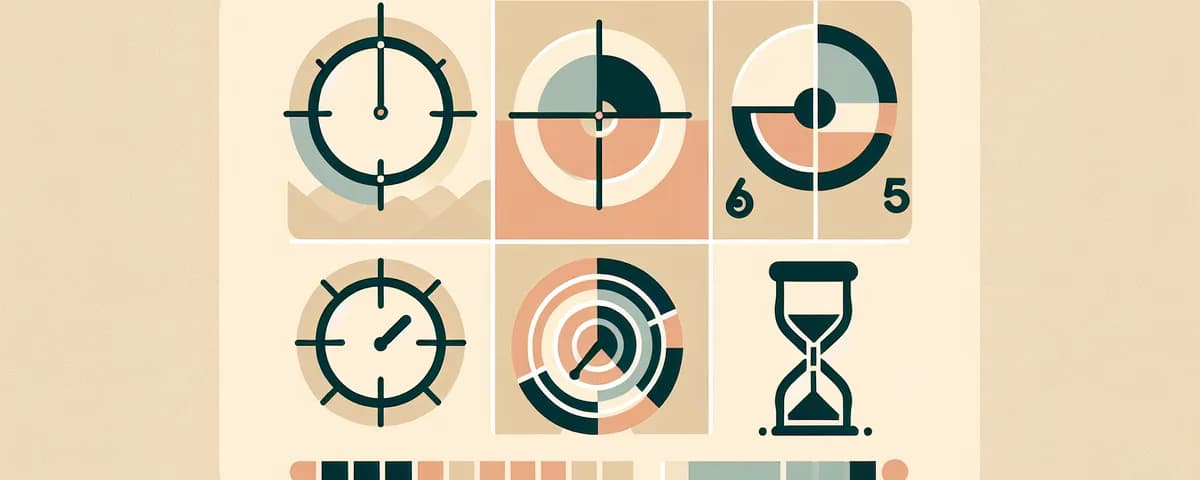
Why timers work: the psychology of bounded time
A running countdown creates what psychologists call a "temporal landmark" — a clear boundary that tells your brain when to start, when to push, and when to stop. Without a timer, tasks expand to fill available time. With one, you work within a defined window, which sharpens focus and reduces procrastination.
This principle applies whether you are studying, working out, managing a classroom, or cooking. The type of timer you choose depends on what you need it to do.
Countdown timers
A countdown timer is the most common type. You set a duration — 5 minutes, 25 minutes, 60 minutes — and it counts down to zero, then alerts you. It answers one question: "Tell me when this amount of time has passed."
Best for: focused work sessions, cooking, exam practice, meeting limits, naps, and rest periods.
Countdown timers are the backbone of productivity methods like the Pomodoro technique, where you work for 25 minutes then take a 5-minute break. Timerjoy's online timer lets you start any countdown with a single click — no app, no account required.
The key advantage is simplicity. One number decreasing, carrying all the information you need. When it hits zero, you are done.
Interval timers
An interval timer automates repeating cycles of work and rest. Instead of one countdown, you define a pattern — work 30 seconds, rest 10 seconds, repeat 8 times — and the timer runs the entire sequence automatically.
Best for: HIIT and Tabata workouts, circuit training, stretching routines, Pomodoro sessions with automatic breaks, and physical therapy exercises.
The most famous interval format is Tabata: 20 seconds of maximum effort, 10 seconds of rest, repeated 8 times. But interval timers work for any task that benefits from alternating effort and recovery.
Without an interval timer, you would have to manually reset your countdown after every interval. With one, the sequence runs unattended, letting you focus on the activity itself.
Stopwatches
A stopwatch counts up from zero, measuring elapsed time. Unlike a countdown, it has no preset endpoint — it runs until you stop it.
Best for: timing races and athletic performance, tracking how long tasks actually take, science experiments, speed drills, and personal records.
The stopwatch is a measurement tool rather than a management tool. While a countdown tells you when to stop, a stopwatch tells you how long something took. Athletes use them for laps and splits. Students use them in labs. Professionals use them to audit how long meetings and commutes actually take versus how long they assume.
Timerjoy's stopwatch runs in your browser with lap timing, split tracking, and precision to the hundredth of a second.
Stopwatch vs. timer: A timer counts down from a set duration. A stopwatch counts up from zero. Use a timer to limit time. Use a stopwatch to measure time.
Visual timers
A visual timer represents remaining time as a shrinking colored shape. Instead of reading numbers, you glance at the display and instantly perceive how much time is left based on how much color remains.
Best for: young children who cannot read numbers, students with ADHD or autism, classroom transitions, and anyone who benefits from spatial rather than numerical time representation.
Visual timers make time concrete. A half-full circle means half the time is left — no math required. This is especially powerful for children under 8, who struggle to interpret numerical countdowns but immediately understand a shrinking shape.
Timerjoy's visual timer displays a large, colorful countdown visible across a room — ideal for classrooms, therapy sessions, and family routines.
Classroom timers
A classroom timer is a countdown designed for educational settings. The display is large enough to read from the back of a room, the alarm is noticeable but calm, and the interface is clean enough for a smartboard.
Best for: timed tests, station rotations, brain breaks, group work, and transitions between activities.
What separates a classroom timer from a regular countdown is design intent. Teachers need visibility, simplicity, and a calm aesthetic — not flashing animations. Timerjoy's classroom timer collection includes durations from 1 to 60 minutes with fullscreen mode. Read our guide on classroom timer strategies for teachers for research-backed techniques.
Online timers vs. physical timers
Online timers (like Timerjoy's online timer) are free, instantly accessible, customizable, and can be projected on large screens. You will never lose a browser the way you lose a kitchen timer.
Physical timers require no screen, offer tactile interaction, and work as dedicated devices free from digital distraction. They still shine in kitchens (where wet hands make touchscreens impractical) and therapy settings.
For most people, online timers are the practical daily choice. They require nothing beyond the device you already have.
Choosing the right timer for the task
"I need to work for exactly 25 minutes." Use a countdown timer. Set it and focus.
"I'm doing 8 rounds of 20-second sprints with 10-second rests." Use an interval timer. Set the pattern and let it run.
"I want to know how long my commute takes." Use a stopwatch. Start when you leave, stop when you arrive.
"My 5-year-old needs to see how much time is left." Use a visual timer. The shrinking color communicates time without numbers.
"I'm a teacher and need a timer the whole class can see." Use a classroom timer. Project it fullscreen on your smartboard.
Advanced timer techniques
Nested timers. Use a macro timer for the overall session and micro timers for segments within it. A 2-hour study block contains multiple 25-minute Pomodoro countdowns.
Measurement then management. First, use a stopwatch to measure how long a task takes. Then set a countdown to that duration for future sessions. This grounds your timer choices in reality rather than guesswork.
Frequently asked questions
What is the most popular timer type?
The simple countdown is the most widely used. Timerjoy's most popular options are the 5-minute, 10-minute, and 25-minute countdowns on the online timer page.
Are visual timers only for kids?
No. While visual timers are especially effective for young children, many adults prefer them too. Anyone who finds numerical countdowns stressful may benefit from the spatial representation.
What timer should I use for cooking?
A standard countdown works best. Set the duration and the alarm tells you when to check. For multi-stage recipes, use sequential countdowns.
Is there a difference between a timer and an alarm?
Yes. A timer counts down from a set duration (10 minutes from now). An alarm triggers at a specific clock time (3:00 PM). Timers measure duration; alarms mark moments.
Try it free
Online Timer
Builds tools that get used. Founded Timerjoy after a frustrated search for an ad-free online timer. More about the project.